


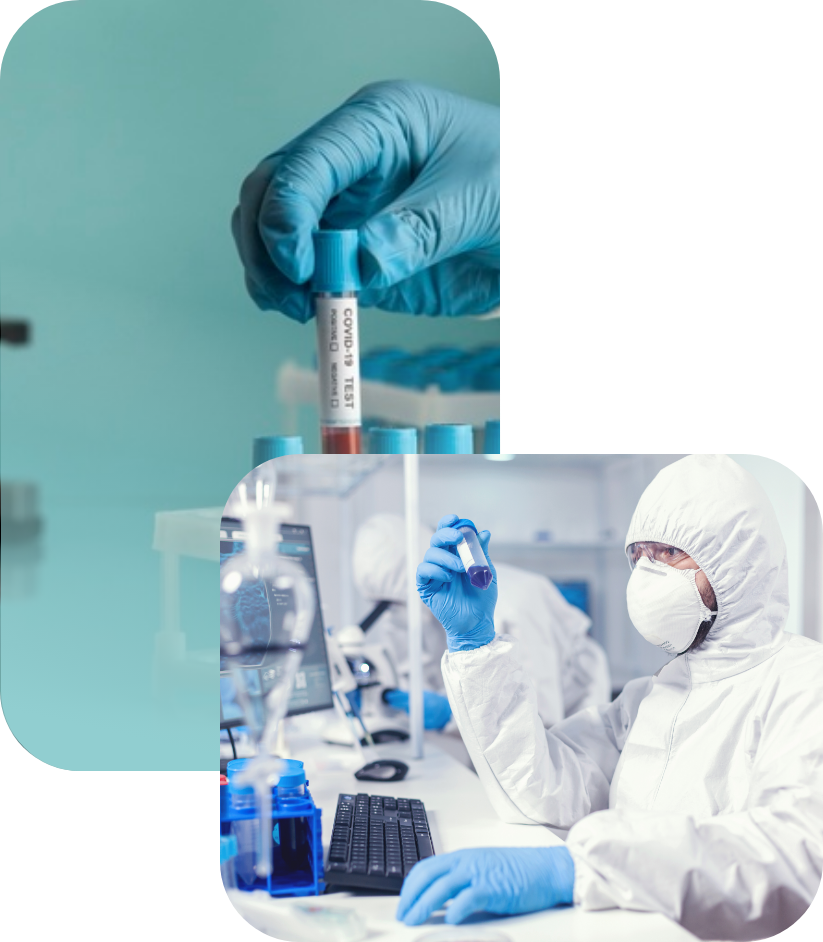
Labs are able to safely and securely release test kits out to providers and sponsors when requested.
Through an assigned barcode to each kit, labs are able to track these kits from start to finish.
Labs are notified when new providers and sponsors register, giving labs the opportunity to be in direct contact with new customers.
From start to finish, the “life” of a test kit through a lab.
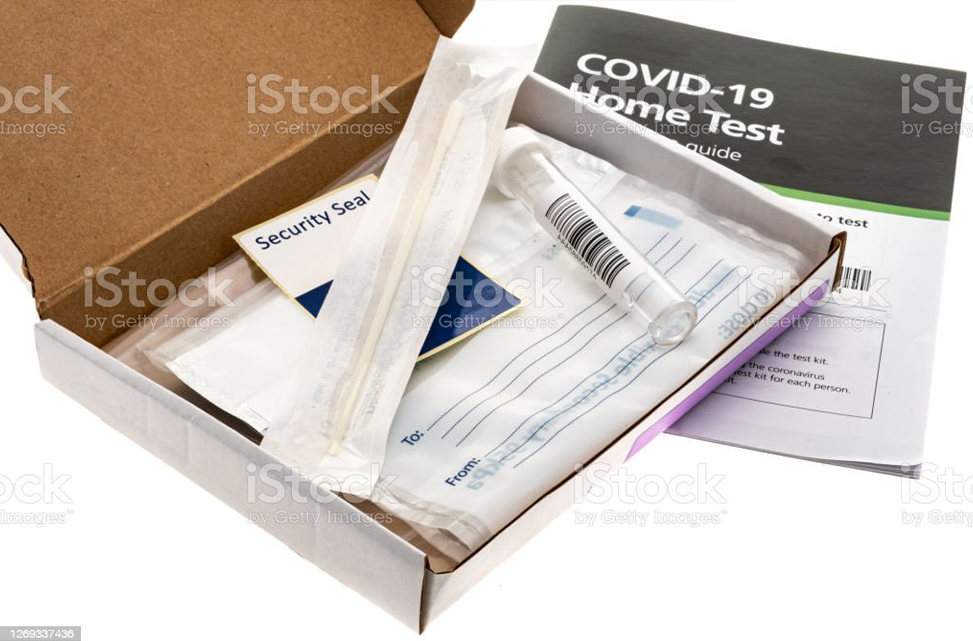
The lab will generate and assign barcodes through LabDash to specific providers and sponsors who have requested tests. Every user is given a unique ID, which is used to assign patients, providers, sponsors, and labs to sample barcodes.
The lab will follow their own standard procedures for delivering test kits to those who need them.
Providers and patients are responsible for entering their necessary patient and collection data into LabDash.
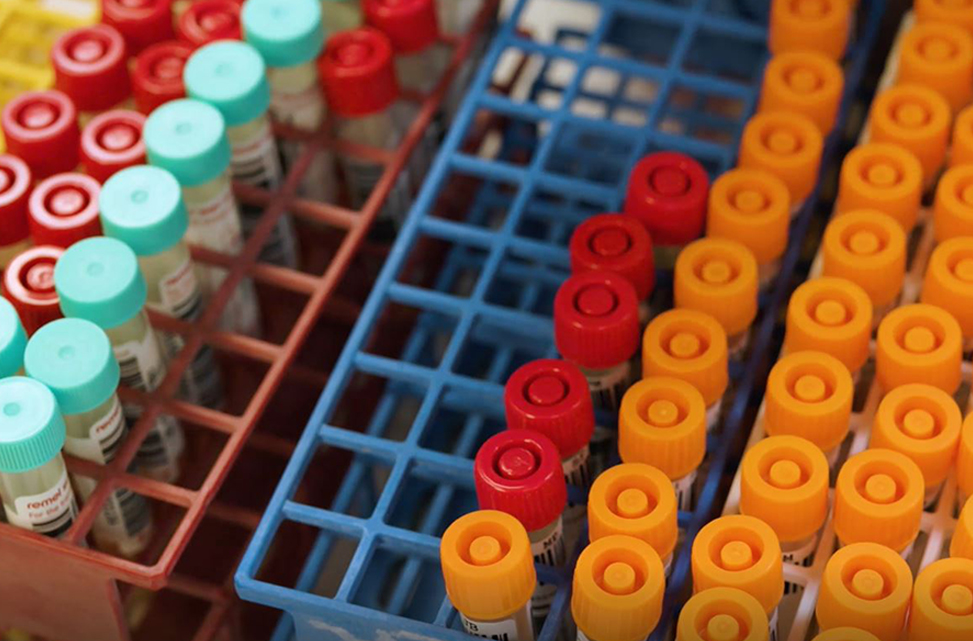
After tests have been administered and arrive back at the lab, a lab technician can quickly scan each sample barcode into LabDash to mark the sample as “received”.
The lab will see in their LabDash interface that each sample is connected to a patient. If a patient is linked to the scanned barcode, their initials will appear on the screen and the technician will verify that it matches what’s written on the test tube.
The lab is responsible to follow up with the provider or the patient if there was an error in collection.
This method of receiving samples is a huge time save for labs. Instead of manually entering all of each patient's information, simply scan a barcode.
In addition, this validates the entire process and saves time down the line by avoiding costly mishaps.

After processing the samples, lab technicians can upload the test results. To do this, the lab must create a sheet of barcodes, specimen IDs, results, and patient initials to upload into LabDash.
Before uploading, another validation measure is taken to ensure the sample has been properly identified to the correct patient.
The provider and patients will be notified that their results have been uploaded and can instantly view their results.
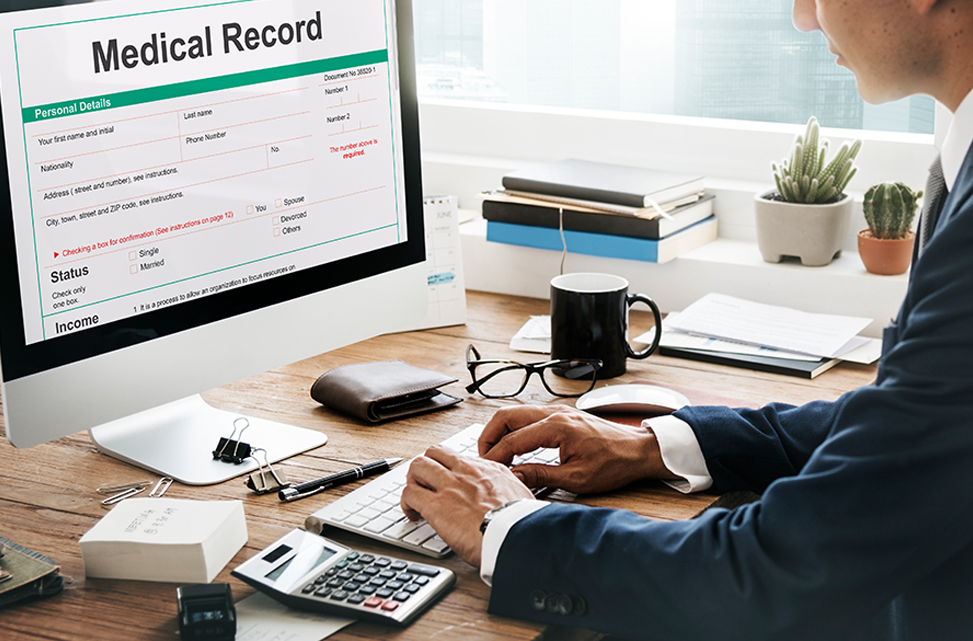
Labs have access to a full customizable, searchable breakdown of all data for reporting, including:
- Patient Information: name, birthdate, gender, race/ethnicity, residence, insurance
- Sample Collection Data: specimen ID, barcode, test type, collection method, result, DX code, tracking timestamps
- Provider Information: name, practice, facility, contact info.
- Sponsor Information: facility
After creating the report, the lab can download it to be used for billing and reporting to the appropriate state or local public health department.
A huge benefit of LabDash is that it can be used as a powerful analytics tool to better understand the populations that labs are testing. Labs can configure their reporting table however they would like, searching by patient information, state, county, test information, dates, provider, and sponsor. Download the report to submit for billing and reporting as needed.

Labs can create a report that shows transaction quantities during any custom date range.
TDaily transactions count the number of test kits that are released to lab customers, collected into LabDash, received by the lab, and had results uploaded.
Through this, labs can monitor their performance and throughput.
The lab will generate and assign barcodes through LabDash to specific providers and sponsors who have requested tests. Every user is given a unique ID, which is used to assign patients, providers, sponsors, and labs to sample barcodes.
The lab will follow their own standard procedures for delivering test kits to those who need them.
Providers and patients are responsible for entering their necessary patient and collection data into LabDash.
After tests have been administered and arrive back at the lab, a lab technician can quickly scan each sample barcode into LabDash to mark the sample as “received”.
The lab will see in their LabDash interface that each sample is connected to a patient. If a patient is linked to the scanned barcode, their initials will appear on the screen and the technician will verify that it matches what’s written on the test tube.
The lab is responsible to follow up with the provider or the patient if there was an error in collection.
This method of receiving samples is a huge time save for labs. Instead of manually entering all of each patient's information, simply scan a barcode.
In addition, this validates the entire process and saves time down the line by avoiding costly mishaps.
After processing the samples, lab technicians can upload the test results. To do this, the lab must create a sheet of barcodes, specimen IDs, results, and patient initials to upload into LabDash.
Before uploading, another validation measure is taken to ensure the sample has been properly identified to the correct patient.
The provider and patients will be notified that their results have been uploaded and can instantly view their results.
Labs have access to a full customizable, searchable breakdown of all data for reporting, including:
- Patient Information: name, birthdate, gender, race/ethnicity, residence, insurance
- Sample Collection Data: specimen ID, barcode, test type, collection method, result, DX code, tracking timestamps
- Provider Information: name, practice, facility, contact info.
- Sponsor Information: facility
After creating the report, the lab can download it to be used for billing and reporting to the appropriate state or local public health department.
A huge benefit of LabDash is that it can be used as a powerful analytics tool to better understand the populations that labs are testing. Labs can configure their reporting table however they would like, searching by patient information, state, county, test information, dates, provider, and sponsor. Download the report to submit for billing and reporting as needed.
Labs can create a report that shows transaction quantities during any custom date range.
TDaily transactions count the number of test kits that are released to lab customers, collected into LabDash, received by the lab, and had results uploaded.
Through this, labs can monitor their performance and throughput.
Lorem Ipsum is simply dummy text of the printing and typesetting industry. Lorem Ipsum has been the industry’s standard dummy text ever since the 1500s, when an unknown printer took a galley of type and scrambled it to make a type specimen book.
| products | labdash | labdash lims |
|---|---|---|
| HIPAA Compliance |  |
|
| Server Maintenance and Upgrades | |
|
| General Support and Training | |
|
| Public Registration Form | |
|
| patient portals | ||
| Manage personal information | |
|
| View results and download PDF reports | |
|
| Collect sample data | |
|
| Add and manage dependent accounts | |
|
| provider facility portals | ||
| Manage Facility and Staff Information | |
|
| Add and manage Patient profiles | |
|
| Add and manage Ordering Providers | |
|
| Collect sample data | |
|
| View result and download PDF reports for their patients | |
|
| Ordering Provider Portals | ||
| View result and download PDF reports for their patients | |
|
Lorem Ipsum is simply dummy text of the printing and typesetting industry. Lorem Ipsum has been the industry’s standard dummy text ever since the 1500s,
ABCD6
Lorem Ipsum is simply dummy text of the printing and typesetting industry. Lorem Ipsum has been the industry’s standard dummy text ever since the 1500s,
ABCD5
Lorem Ipsum is simply dummy text of the printing and typesetting industry. Lorem Ipsum has been the industry’s standard dummy text ever since the 1500s,
ABCD4
Lorem Ipsum is simply dummy text of the printing and typesetting industry. Lorem Ipsum has been the industry’s standard dummy text ever since the 1500s,
ABCD3